Salt Plate Analysis#
Important
Salt plates are stored in a desiccator when not in use. They will absorb moisure, so be sure to return them to the desiccator when you are finished.
Before scanning any of your samples, you must collect a background spectrum beforehand
The sample compartment should contain the salt plate with your solvent.
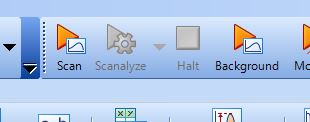
Click Scan
Starting with the lowest concentration sample, place several drops (2 or 3) of your sample onto the salt plate using a Pasteur pipet
Load the salt plate into the sample holder. Be sure to only touch the outer edges of the salt plates to insert it into the holder.
You may notice that the “Scan” button you used has changed to a slightly different icon after running the background (it will still say Scan)
Click Scan and notice that a green progress bar appears at the bottom of the Viewing Pane
When the scan is complete, you will see your spectrum appear in the Viewing Pane
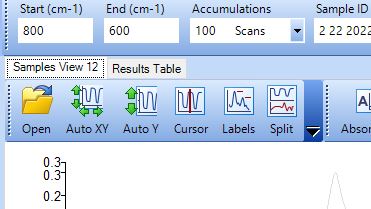
You can see a list of all of the scans you run below the Viewing Pane, as well as under the Results tab listed near the top
After each scan, remove the salt plates carefully, and clean with methylene chloride between uses. This done by adding 2 drops to each salt plate and letting the plates air dry.
Caution
The salt plates are very fragile, so when you go to clean them make sure to have a kim wipe down on the benchtop to set them on.
Load your next sample onto the plates and insert them into the compartment within the instrument
Continue this process for the rest of your samples by repeating the above steps